
Laravel ile REST API Geliştirme ve React ile Tüketme (Adım Adım)
02 Mart 2026
Admin
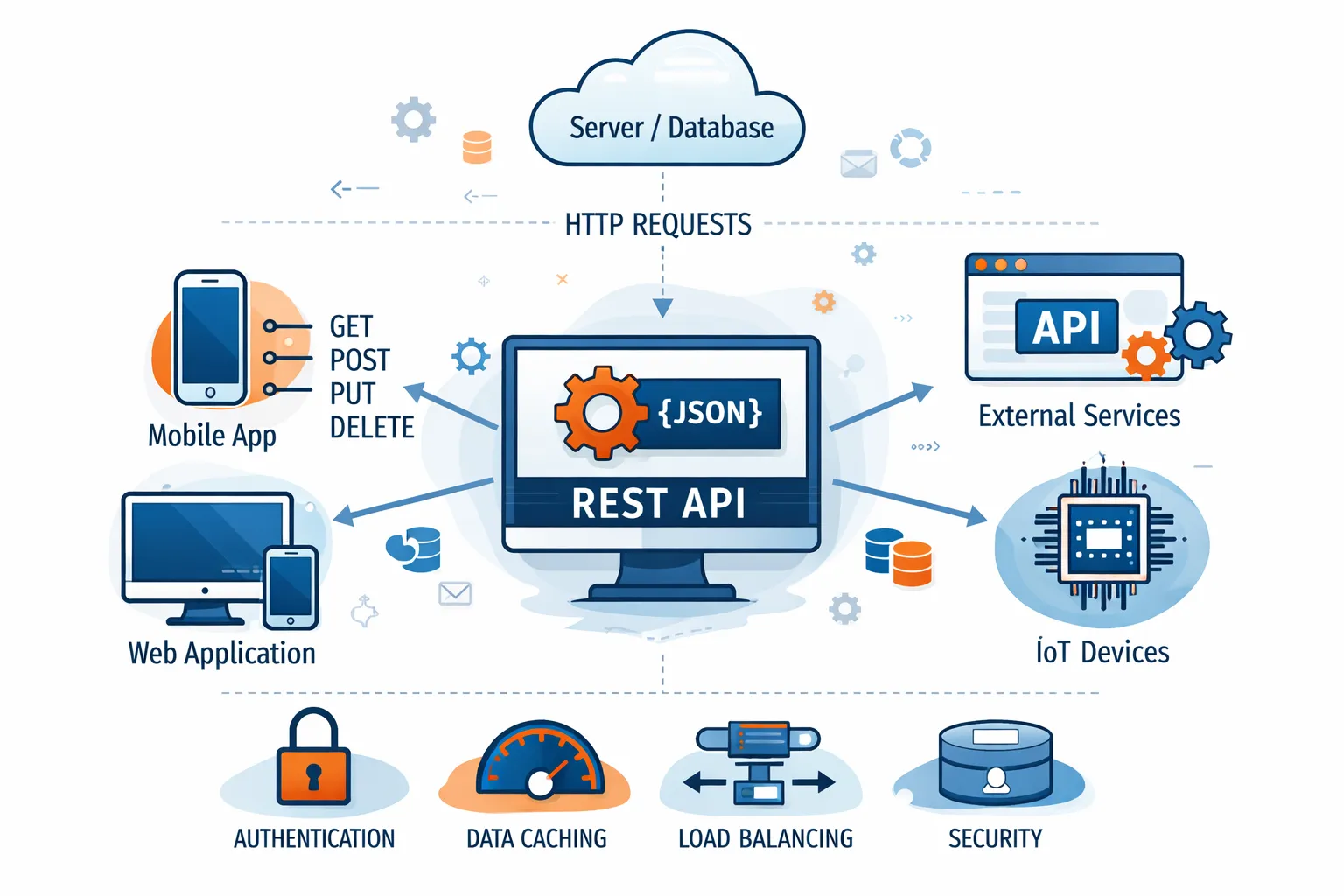
Modern projelerde backend ve frontend artık tamamen ayrılmış durumda. Backend tarafında güçlü bir API, frontend tarafında ise dinamik bir arayüz kullanmak performans ve ölçeklenebilirlik açısından büyük avantaj sağlar.
Bu yazıda:
-
Laravel ile basit bir REST API oluşturacağız
-
React ile bu API’yi tüketeceğiz
1️⃣ Laravel API Oluşturma
📌 1. Proje Kurulumu
cd api-project
php artisan serve
.env dosyasında veritabanı ayarlarını yapın.
📌 2. Migration Oluşturma
Migration dosyasını düzenleyelim:
{
Schema::create('posts', function (Blueprint $table) {
$table->id();
$table->string('title');
$table->text('content');
$table->timestamps();
});
}
Migration çalıştıralım:
📌 3. API Controller Oluşturma
Controller içeriği:
use App\Models\Post;
use App\Http\Controllers\Controller;
use Illuminate\Http\Request;
class PostController extends Controller
{
public function index()
{
return response()->json(Post::all());
}
public function store(Request $request)
{
$post = Post::create($request->all());
return response()->json($post, 201);
}
public function show(Post $post)
{
return response()->json($post);
}
public function update(Request $request, Post $post)
{
$post->update($request->all());
return response()->json($post);
}
public function destroy(Post $post)
{
$post->delete();
return response()->json(null, 204);
}
}
📌 4. Model Fillable Tanımı
📌 5. Route Tanımı
routes/api.php içerisine:
Route::apiResource('posts', PostController::class);
Artık API endpoint’lerimiz hazır:
POST /api/posts
GET /api/posts/{id}
PUT /api/posts/{id}
DELETE /api/posts/{id}
2️⃣ React ile API Tüketme
📌 1. React Projesi Oluşturma
cd frontend
npm start
📌 2. Post Listeleme Component’i
App.js:
function App() {
const [posts, setPosts] = useState([]);
useEffect(() => {
fetch("http://127.0.0.1:8000/api/posts")
.then(res => res.json())
.then(data => setPosts(data));
}, []);
return (
<div>
<h1>Post Listesi</h1>
{posts.map(post => (
<div key={post.id}>
<h3>{post.title}</h3>
<p>{post.content}</p>
</div>
))}
</div>
);
}
export default App;
3️⃣ Basit Validasyon Ekleme (Laravel)
Controller içinde store methodunu güncelleyelim:
'title' => 'required|min:3',
'content' => 'required'
]);
Bu sayede backend tarafında veri güvenliği sağlanmış olur.
4️⃣ CORS Sorunu Çözümü
Eğer React istek atarken CORS hatası alırsanız:
config/cors.php içinde:
5️⃣ Neden Bu Mimari?
Bu yapı sayesinde:
✔ Backend tamamen bağımsızdır
✔ Mobil uygulama da aynı API’yi kullanabilir
✔ React ile dinamik SPA geliştirilir
✔ Sistem kolayca ölçeklenebilir
İlk yorumu sen ekle
0 Yorum